
Custom integration speech provider
A custom integration speech provider lets Live Hub use a speech service you have built yourself. Live Hub connects to it as a client, so the service must implement the interface Live Hub expects. See Speech-to-text API and Text-to-speech API for the messages it must handle.
Any field your service needs beyond the ones the API defines is set on a bot connection rather than on the provider. See Configure advanced parameters at the bot connection level.
Add a custom integration speech provider
To add a custom integration speech provider:
-
In the 'Authentication Key' field, enter the shared token Live Hub should present. Your service uses it to identify Live Hub as the caller.
-
Under Advanced:
- In the 'Text to Speech (TTS) URL' field, enter the address Live Hub should post synthesis requests to.
- In the 'Speech to Text (STT) URL' field, enter the WebSocket address Live Hub
should open for recognition, in the form
ws://example.com/api/v1/speech:recognizeASR.
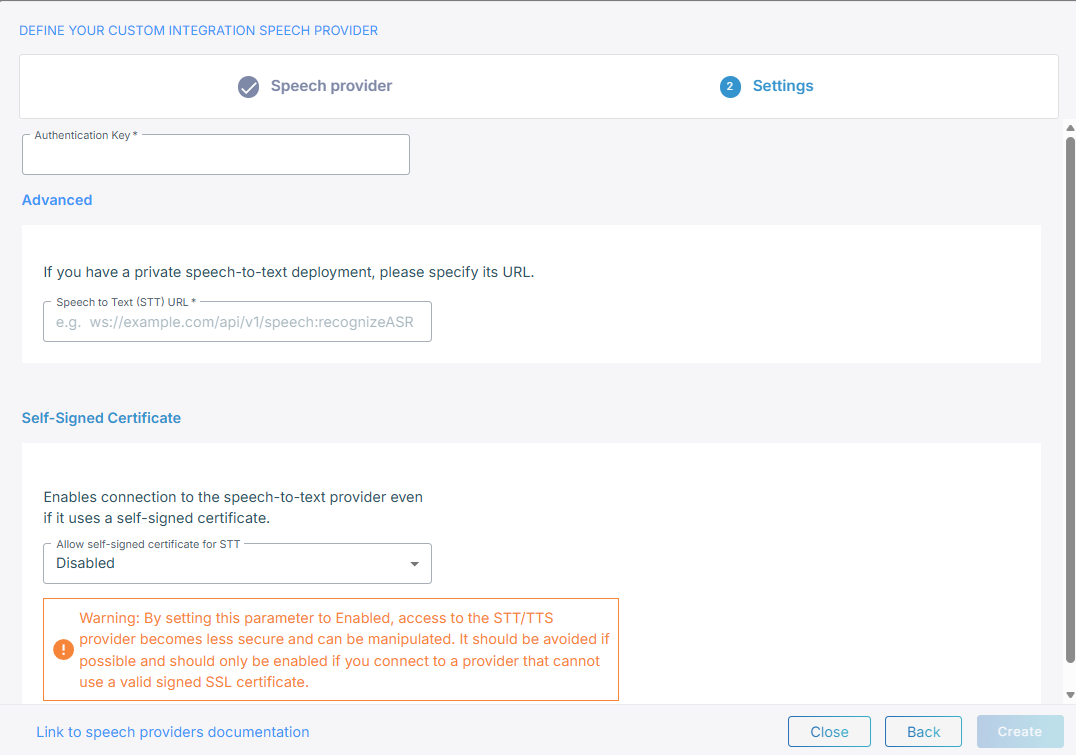
Only the field for each speech type you selected appears, and it is required.
-
If your service presents a self-signed certificate, under Self-signed certificate, set 'Allow self-signed certificate for TTS' and 'Allow self-signed certificate for STT' to Enabled.
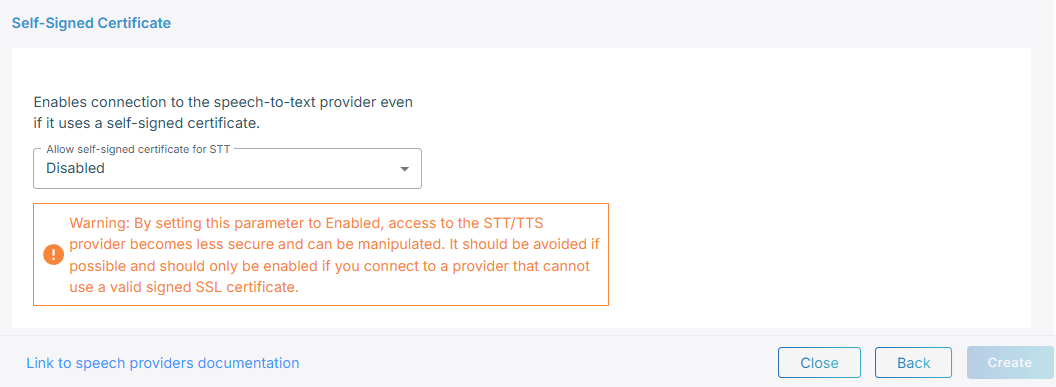
Enabling this makes the connection to your service less secure and open to manipulation. Use it only where the service cannot present a properly signed certificate.
-
Click Create.
Configure advanced parameters at the bot connection level
Live Hub builds each request to your service from the bot connection: the conversation
ID, the language, the audio format, and the voice. If your service needs a field the API
does not define, add it under sttPassthruConfig and ttsPassthruConfig in the JSON
editor on the bot connection's Advanced tab. Live Hub merges what you enter into the
request it sends you, and passes on whatever you name. See
Manage bot connections.
{
    "sttPassthruConfig": {
        "myServiceProfile": "support-line"
    },
    "ttsPassthruConfig": {
        "myServiceProfile": "support-line"
    }
}